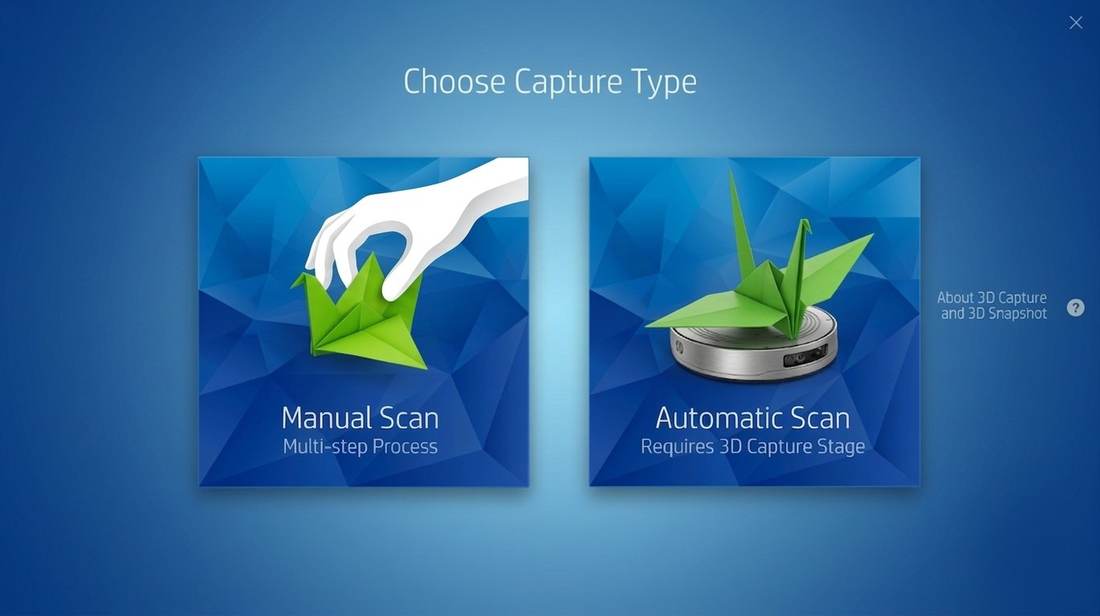
HP Sprout was a radical reimagining of the personal computer — an all-in-one with a projector-camera mounted overhead, a large touch-sensitive mat below, and an Intel RealSense depth camera embedded in the unit. 3D Capture was its most ambitious feature: scan real-world objects in 360°, producing detailed textured meshes ready for editing, 3D printing, or sharing to platforms like SketchFab — all without any prior 3D expertise.
The complete workflow — place object on the blue mat circle, run up to 8 scan cycles, merge captures, fill gaps, export to OBJ or 3MF — had to feel as simple as taking a photograph. There was no roadmap. No existing UX conventions for consumer 3D scanning. We were inventing the interaction model while the hardware was being built around us.
Every interaction pattern had to be invented — from communicating scan progress to teaching users to reposition objects mid-cycle. There were no precedents to borrow from and no permission to ship later.
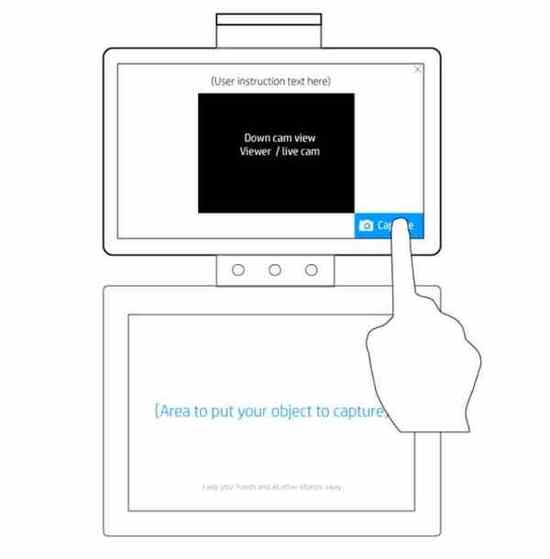
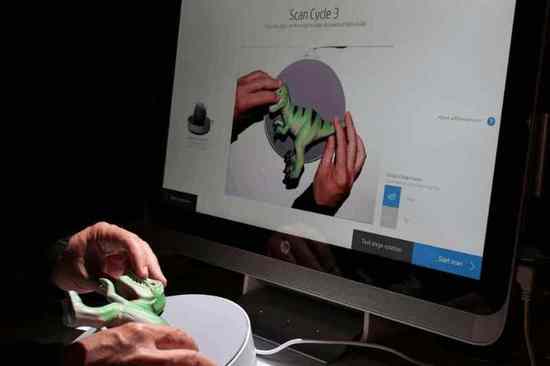
The core UX challenge was teaching users the dual-surface interaction model — instructions on the vertical screen above, active workspace on the touch mat below. The overhead projector-camera simultaneously watches the mat and projects guidance onto it, creating a feedback loop entirely new to computing. Neither channel works without the other.
Screen above displays the live camera feed and instructions. Touch mat below is the active workspace. The overhead unit projects guidance onto the mat and captures the object simultaneously.
My approach began with the physical interaction model first — how does a user understand what to do with an object on a rotating stage? Before any screen design, I mapped the full physical-digital loop: place object → scan cycle → reposition → scan again → view result.
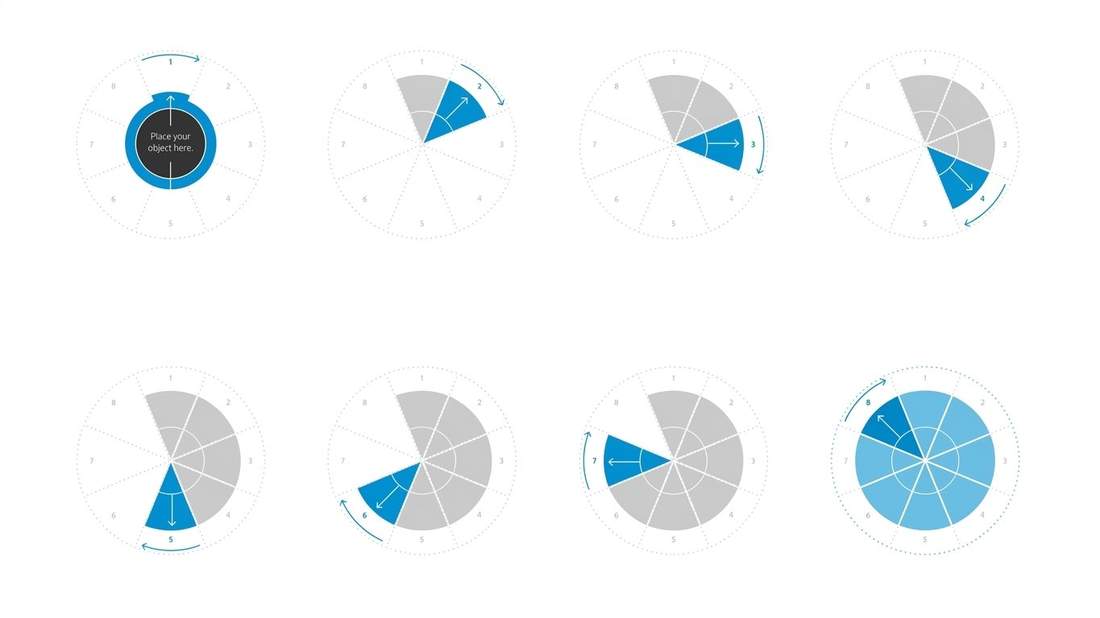
On the mat: the scan cycle diagram is projected physically onto the stage — a pie chart telling users which of 8 positions to rotate to next. On the screen: a live camera feed shows how the computer is seeing the object in real time, confirming angle and centering before each scan.
8 scan positions projected directly onto the touch mat — each segment represents one scan angle. The arrows tell the user exactly how to rotate the object between cycles. Full blue circle = capture complete.
The 8-cycle pie chart — projected physically on the mat and mirrored on-screen. Users always know how many cycles remain and which direction to rotate.
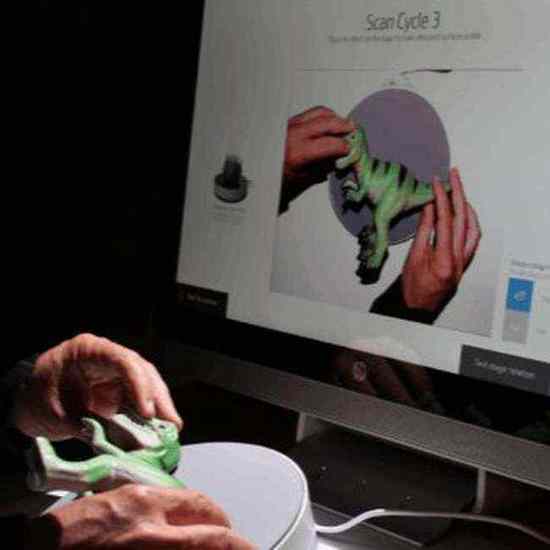
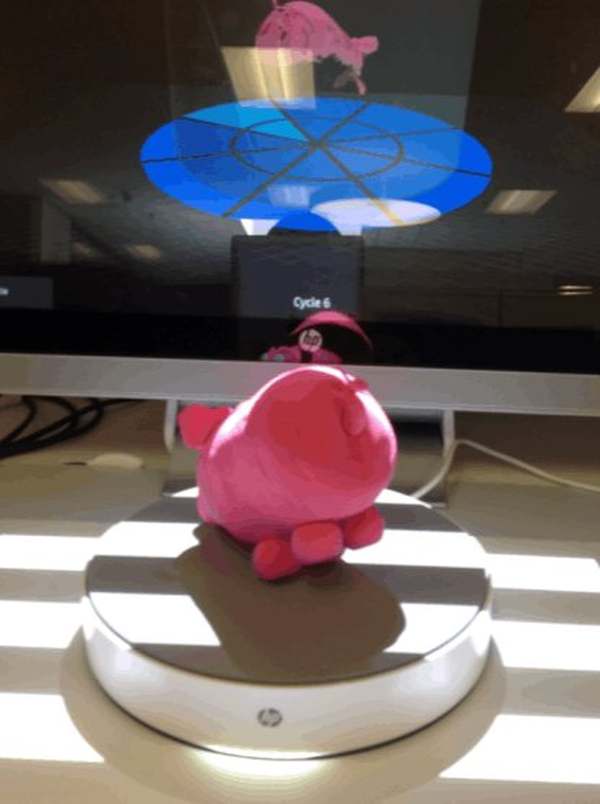
Left: screen shows exactly how the computer sees the object — user verifies angle before hitting Scan. Right: hands reposition the object to the angle indicated by the projected pie chart on the mat.
"The object sitting on the mat is the interface. Everything we designed — the projected blue circle, the orange scan glow, the cycle sounds — was about making the physical object feel like part of the software."Design Principle — HP Sprout 3D Capture
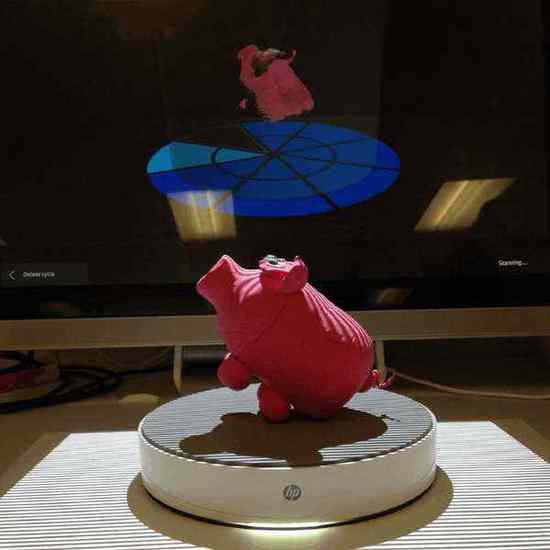
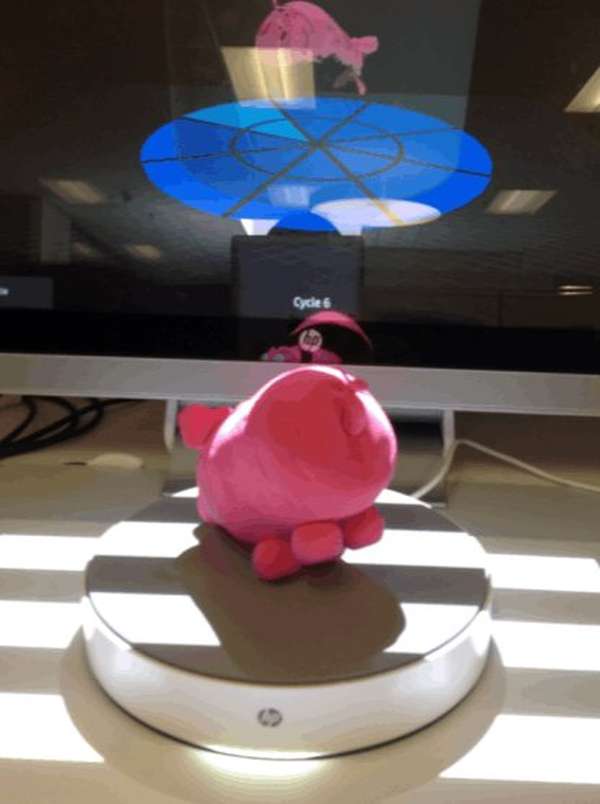
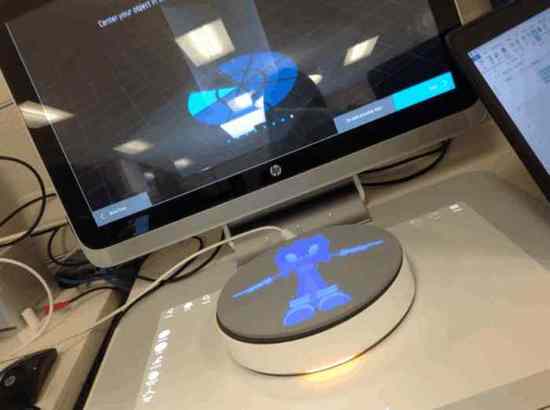
The motorized rotating stage with structured light projection. The orange glow is a signature physical cue — scanning in progress — while the screen simultaneously shows the pie chart filling up, cycle by cycle.
Left: the motorized stage with structured-light orange glow signalling active capture. Right: Cycle 6 of 8 — the scan is nearly complete, screen and stage in the same frame.
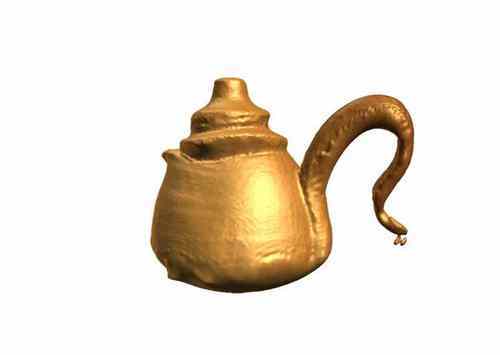
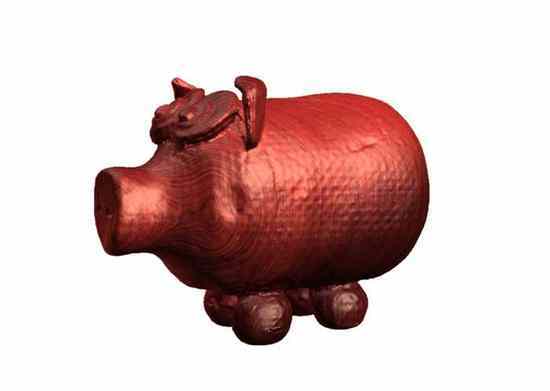
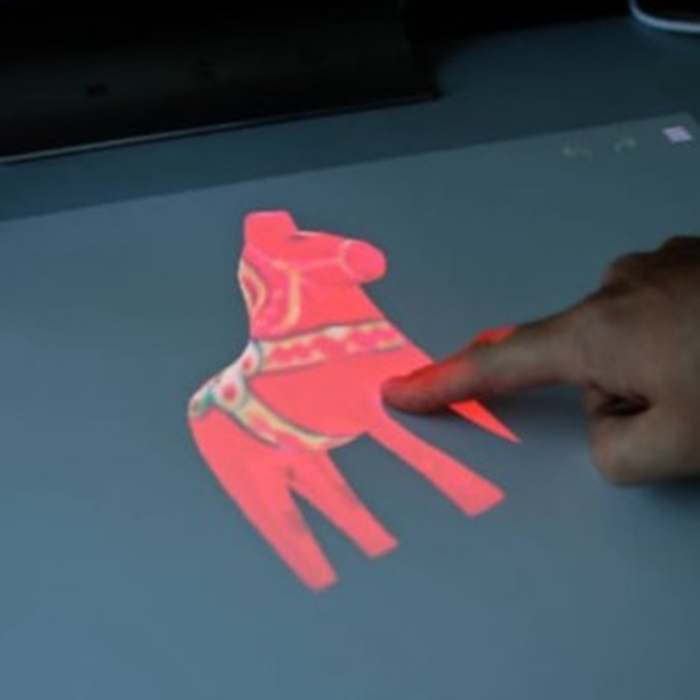
Once scanned, the 3D model is projected directly onto the touch mat — the same surface where the physical object sat moments before. Users can rotate, scale, and interact with the digital version using their fingers. The transition from physical to digital happens without ever leaving the workspace.
A live demonstration of the HP Sprout 3D Capture workflow — from placing an object on the stage through the automated scan cycles to the final 3D mesh result.
HP Sprout 3D Capture — the complete scan-to-mesh workflow in a single take.
HP Sprout 3D Capture shipped with the HP Sprout Pro G2 in 2015 — the first consumer computer with integrated 3D scanning. Output in OBJ and 3MF for major 3D printing workflows.
The 8-cycle scan model, dual-mode entry point, and projected stage guidance became foundational patterns for the entire Sprout 3D ecosystem — referenced in HP's spatial computing design guidelines.
Demonstrated that hardware and design could ship simultaneously from a unified team — a model that influenced how HP structured subsequent Sprout development cycles.
I would advocate for earlier longitudinal testing with the physical hardware. Wizard of Oz methods were invaluable early on, but the transition to actual hardware revealed failure modes — especially the projected guide's visibility under ambient light — that we hadn't fully anticipated.
I'd also push harder for a dedicated first-run onboarding experience. The system was genuinely novel and we relied too heavily on in-context guidance. A brief first-time setup flow would have reduced the learning curve without adding friction for returning users.
Looking forward, voice coaching and AI make this process dramatically simpler. Instead of an 8-step manual repositioning cycle, an AI-powered system could analyse the mesh in real time and instruct users — or the stage itself — to only capture the angles that are actually missing. Move the object only when the computer can't see it.